Where I left off
Rebuilding the missing server half of Fury, the PvP game that went dark in 2008. I have the client, the bit that runs on your PC. The server is gone.
Last post I listened in on the client trying to log in, and found the login server talks encrypted from the very first byte. Rebuilding that tier is going to be real work. So this post is me chasing the shortcut that would let me skip it.
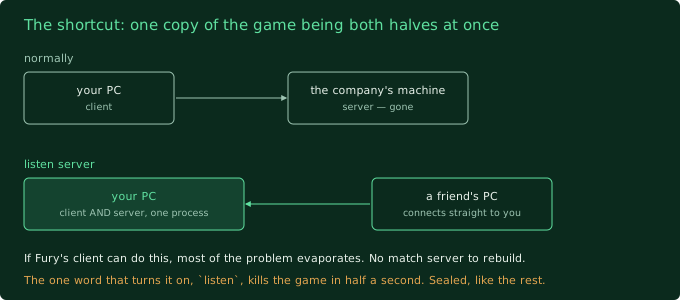
Here’s the shortcut, in plain terms. Games built on this engine can run in a mode called a listen server. Normally “client” (your PC) and “server” (the company’s machine) are two separate things. A listen server is one copy of the game being both at once: you play on it, and your friends connect straight to your copy. No separate server program, no company machine. It’s how a lot of games do private matches.
If Fury’s client can do that, then a huge chunk of my problem just evaporates. I wouldn’t need to rebuild the match server at all. I’d only need to fake the small stuff around it. So this was worth a proper try before I commit months to the hard road.
listen.
What I tried
First I needed the game to load an actual playable area on command, the way its launcher does it. From the earlier tests I already had a startup line that works: point it at the character-creation area, tell it which game rules to use, go. That still works perfectly, every time:
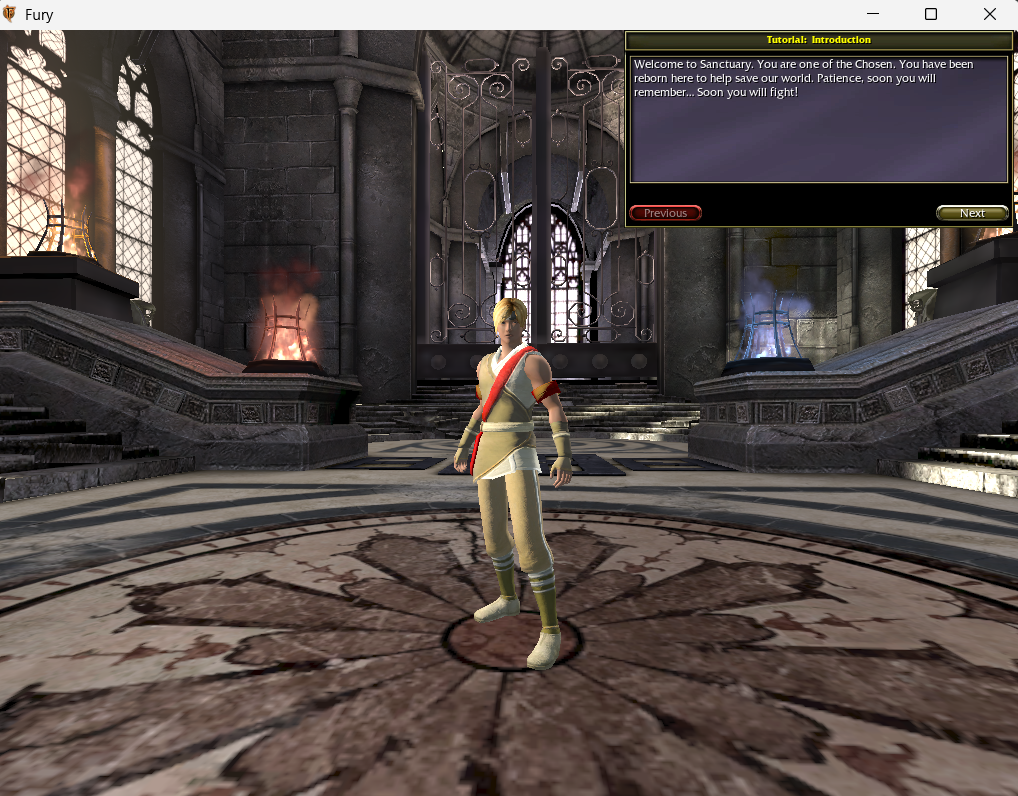
Then I dug the internal names of the actual match types out of the game’s script files. There’s a whole set of them: one-on-one duels, team elimination, the objective mode, blood-bath free-for-alls. I picked the simplest map and its matching rules.
The plan was a three-parter:
- Get one copy of the game to host a match (the listen-server bit, which is one
extra word on the startup line:
listen). - Get a second copy, on the same PC, to connect to the first one over the local loopback address.
- See if the second player actually spawns into the map and can move, with the scary encrypted login server nowhere in the picture.
I never got past step 1.
What broke (or what I didn’t expect)
I added that one word, listen, to the exact startup line that works.
Nothing else changed. Same area, same rules, one extra word.
The game died in about half a second. No window. No error message. It wrote a crash file and relaunched its own updater:
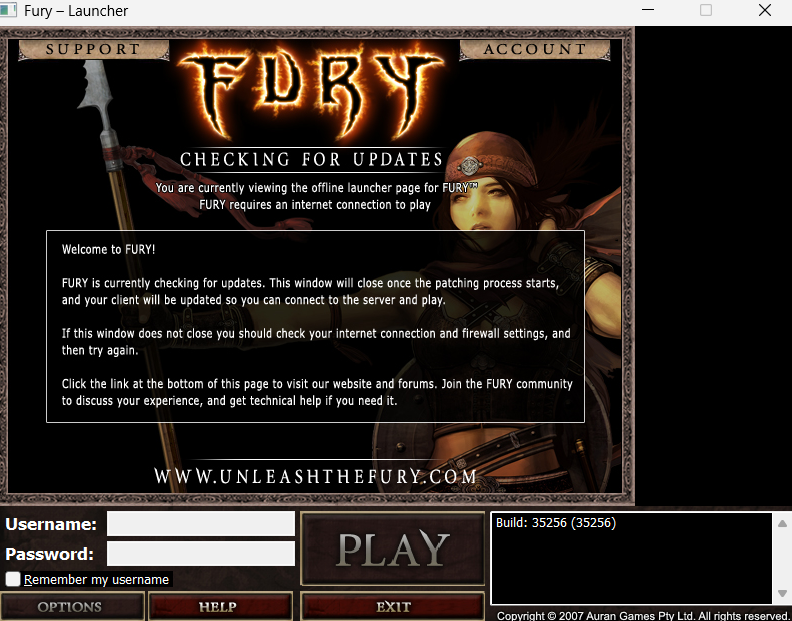
If you’ve been reading along, you’ve seen this exact behaviour three times now. It’s what Fury does when you try to open a door the studio sealed before release. The level editor did it. The “run as a dedicated server” mode did it. The “check my files” tool did it. And now the listen-server mode does it too. The game doesn’t say “that’s disabled”. It pretends it’s broken and sends you to the repair tool.
I ran it four ways to be sure it was really the listen word and not something
else: working area with listen, hub area with listen, hub area without.
Every single run with listen in it died in half a second the same way. Every
run without it got further. That’s about as clean as a result gets.
[SIDE NOTE] the run without listen, pointed at an actual hub map instead of
character creation, was interesting in its own sad way. The game’s own logbook
shows it started up the hub’s rules just fine… and then sat on the loading
screen for twenty-nine seconds and crashed. It never brought my character into
the world.
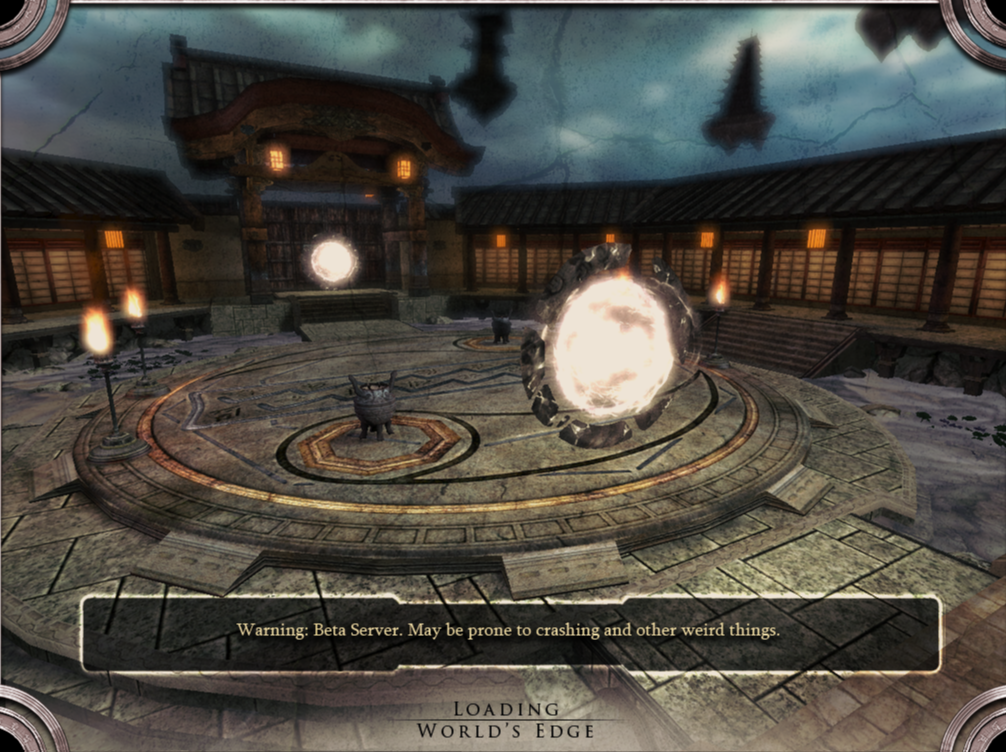
Character creation works offline because it has a special fallback: a canned “blank slate” character it can load from disk with nothing else running. A real hub or match map doesn’t have that. It expects the character-storage service and the realm service to be alive and feeding it who you are. They’re not. So it hangs, then dies.
What I learned
- The listen-server shortcut is gone. Not “hard”. Gone. The one word that turns it on is sealed off at the deepest level, before any of the game’s own script even runs. There’s no startup line I can write that gets a client to host.
- Every “run it yourself” mode in this build is sealed the same way. That’s now four for four: editor, dedicated server, file check, listen server. This was the copy they shipped to players, and they clearly went through and bricked every developer entrance on the way out the door. Consistent, at least.
- Offline only gets me the character screen. Anything past that, a hub or a match, wants the backend services running. The client isn’t going to fake its way into a real map on its own the way it fakes its way into character creation.
- So the long road is the only road. No shortcut. To get a match running I have to actually decompile the game’s script, understand how its match server is built in there, and rebuild that server myself. Which was always the likely outcome. Now it’s the confirmed one.
I want to be straight about what this means, because the whole point of writing these is to not sugarcoat it. I was hoping this post would end with two copies of a dead game shaking hands. Instead it ends with me closing the last easy option and picking up the hard one. The next stretch of this project is going to be slow, and a lot of it is going to be staring at decompiled code.
Next up
The decompile phase, for real. Pull the game’s compiled script back into something readable, start with the small files that describe how the whole server was wired together, and work toward the match-server code buried in the big one. That’s weeks of work and probably several posts of “still reading”.
The shortcut question I never got to answer, whether a hand-built startup line can skip the encrypted login layer, doesn’t go away. It just moves. I can only test it once I’ve got a rebuilt match server to point a client at. So it comes back later, further down the road.